
QuickBooks Time
The obvious time clock if payroll already runs through QuickBooks
score
Visiting through this link may earn us a commission if you sign up, at no extra cost to you. It doesn't change our review, our lowest editorial scores go to vendors who pay us the most for placement just as often as ones who pay us nothing.
QuickBooks Time started life as TSheets in 2006 and got bought by Intuit in 2018, and the acquisition logic is the whole pitch: if your payroll already runs through QuickBooks, approved timesheets flow straight into the pay run with no re-keying. That matters for fraud more than it sounds like it should. Every manual step between the time clock and the paycheck is a place where hours get padded, transposed, or quietly edited, and QuickBooks Time removes those steps for QuickBooks shops.
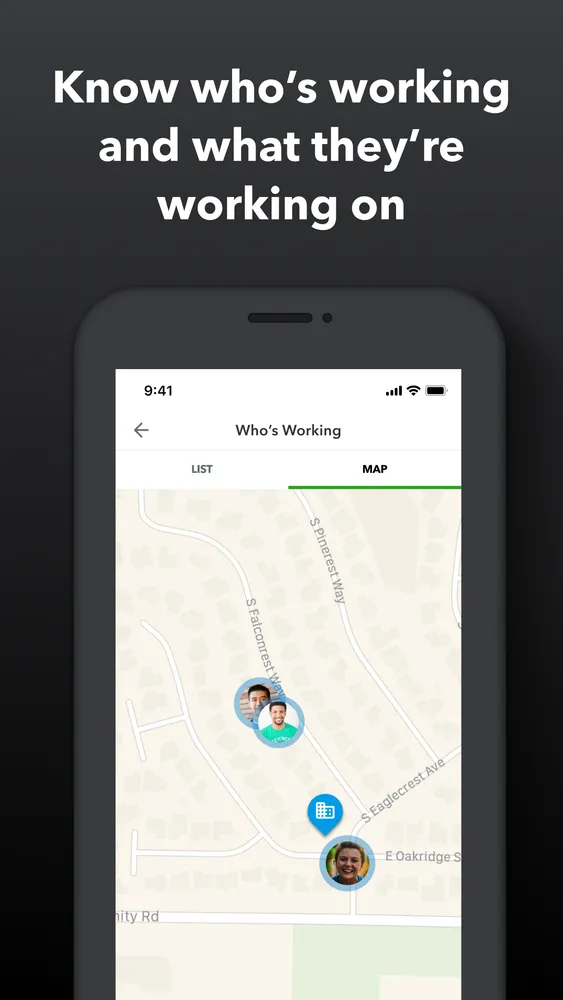
The anti-fraud side of it is decent. The mobile app records GPS location trails while someone's on the clock, not just at punch-in, which makes 'I was at the job site all day' checkable. The Kiosk mode turns a tablet into a shared punch clock: employees enter a PIN and the tablet takes their photo, with facial recognition flagging mismatches. One honest caveat there, a flagged mismatch doesn't block the punch. The photo gets attached to the timesheet for a manager to review later, so it deters buddy punching rather than physically preventing it, and only if someone actually reviews the flags.
The real complaint is pricing structure. There's a base fee plus a per-user fee ($20 + $8/user on Premium), so a ten-person crew runs about $100 a month for time tracking alone, roughly four times what Homebase charges for a location. And geofencing, the feature that actually auto-flags punches from the wrong place, is held back for the Elite tier at $40 + $10 a user. Outside the QuickBooks ecosystem, the math rarely works.
Pricing
Premium: $20/mo base + $8 per user. Elite: $40/mo base + $10 per user. Geofencing is Elite-only; GPS trails, kiosk photo capture, and QuickBooks Payroll sync are on both tiers. Frequently discounted 50% for the first few months.
| Premium | $20/mo + $8/user |
| Elite | $40/mo + $10/user |
Features
- GPS location trails for the whole shift, not just the punch
- Tablet kiosk mode with PIN plus photo capture
- Facial-recognition flagging of photo mismatches
- Geofencing with automatic punch flags (Elite)
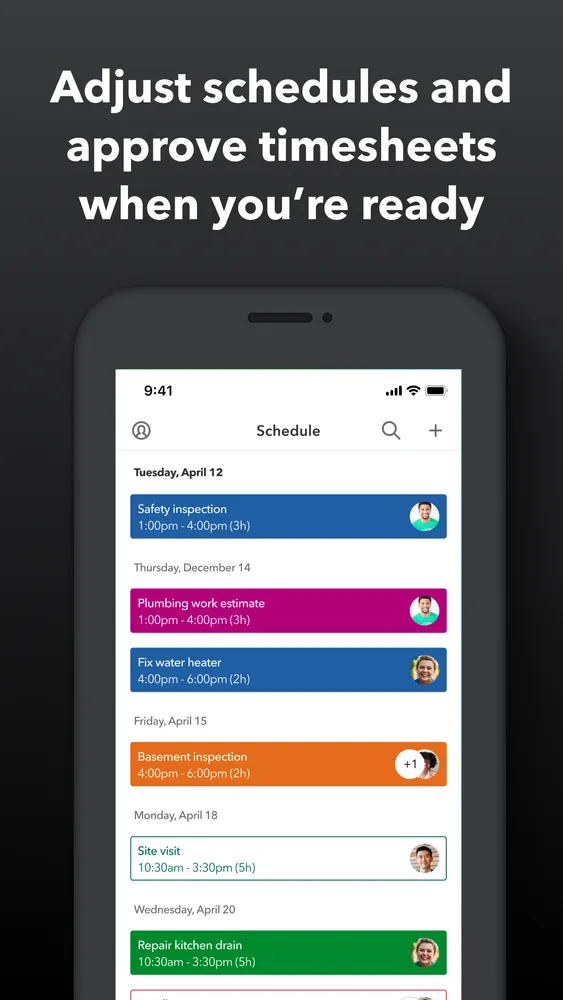
- Timesheet approval workflow that syncs into QuickBooks Payroll
- Timesheet signatures for compliance (Elite)
- Timesheets land directly in QuickBooks Payroll, removing the manual re-entry step where hour-padding hides
- All-shift GPS trails are stronger evidence than a single clock-in pin
- Kiosk photo capture plus facial recognition is more deterrent than most non-biometric rivals offer
- Base-fee-plus-per-user pricing makes it one of the most expensive options for small teams
- Facial recognition flags a mismatched face but doesn't block the punch, someone still has to review
- Geofencing is locked behind the Elite tier, which is where much of the fraud value lives
Businesses already running payroll through QuickBooks that want time data flowing into pay runs untouched by human hands.
Anyone not in the QuickBooks ecosystem, cheaper tools do the same fraud-prevention job, or teams that need punches actually blocked on a face mismatch.
Screenshots
Supported countries
Integrations
QuickBooks Time alternatives
Tools worth comparing before you commit.